Philips Hue Play Gradient PC Lightstrip – Gaming Lighting for PC
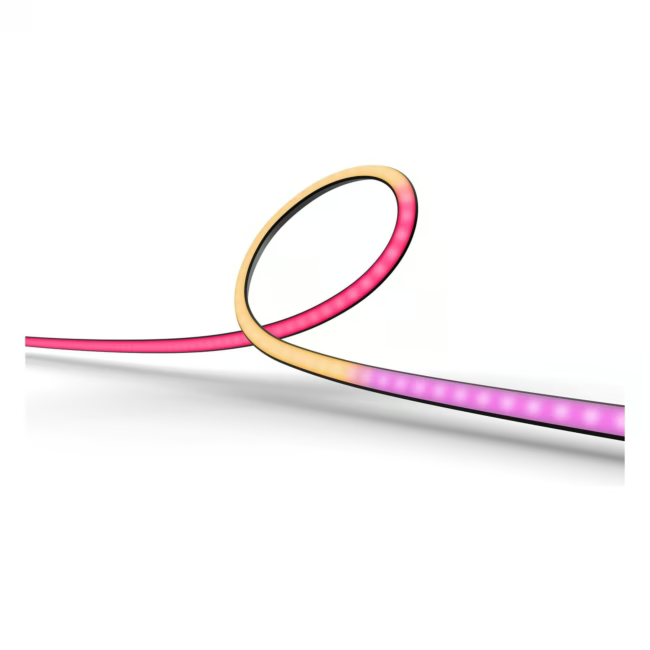
The Philips Hue Play Gradient PC Lightstrip is a smart LED strip specifically designed for gaming monitors. It creates dynamic ambient light that syncs with on-screen content.
Dynamic light effects synced with games for an immersive experience
Easy installation with adhesive pads for monitors up to 27 inches
Control via app or voice for convenient operation
Compatible with Alexa, Google Assistant and Apple HomeKit for smart home integration
Unlike conventional LED strips, the Play Gradient is optimized for use behind monitors. It produces an even light band that illuminates the entire screen edge, enhancing the gaming experience.
Ideal for...
Gamers who want to enhance their experience with ambient lighting, as well as streamers who desire colorful background lighting for their setup.
How to use the lightstrip
The lightstrip attaches easily to the back of the monitor using the included adhesive pads. After mounting, connect it to the Hue Bridge or a compatible Bluetooth controller and set up the app. The lighting automatically adapts to the screen content.
Philips Hue is a leading brand in smart lighting, known for its extensive ecosystem of lamps, luminaires and accessories. The products can be controlled via app and integrated into smart home systems.
The Philips Hue Play Gradient PC Lightstrip is a smart LED strip designed for background lighting of PC monitors. It consists of three strips suitable for screens from 24 to 27 inches and can be controlled via app or voice.
The lightstrip is compatible with the Philips Hue Bridge as well as Bluetooth. For full functionality and integration into a smart home system, a Hue Bridge is recommended.
The lightstrip is designed for PC monitors with a diagonal of 24 to 27 inches. The three strips can be flexibly placed behind the monitor.
Yes, the Philips Hue Play Gradient PC Lightstrip is dimmable. You can adjust the brightness via the app or voice control.
Installation is done using the included adhesive pads on the back of the monitor. Then connect the strip to the power supply and set it up with the Hue app or Bridge. The set includes three strips, power supply and mounting material.
Subscribe to the newsletter
New arrivals, promotions and exclusive offers — straight to your inbox.




Please complete your information below to login.
Sign In
Create New Account