



Laser engraver & accessories
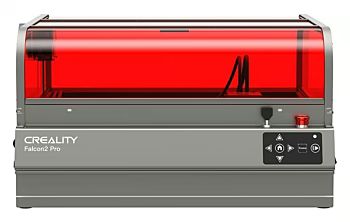
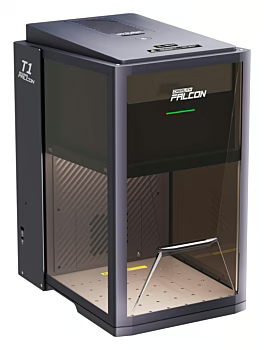
Precise laser engravers and matching accessories – from entry-level models to powerful diode lasers for demanding engraving and cutting projects.
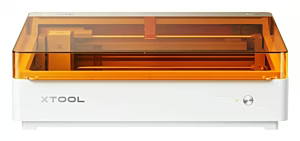
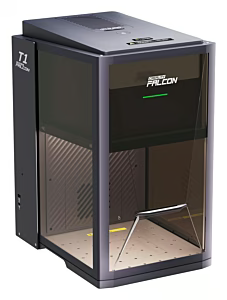
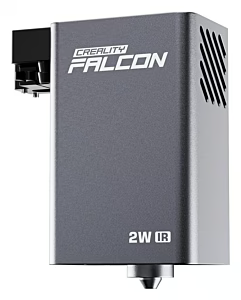
In this category, you will find laser engravers, laser accessories, and consumables for beginners and professional use. The range includes diode laser engravers, compact desktop devices, and extensive accessories such as rotary modules, honeycomb laser beds, protective equipment, and spare parts. Brands like xTool, Ortur, LaserPecker, TwoTrees, and Atomstack offer tested quality for hobbyists and ambitious workshop users in Switzerland and Liechtenstein.
Whether you are looking for a laser engraver for your own workshop, want to create personalized gifts, or implement creative projects with wood, leather, and acrylic: The range covers compact tabletop devices, powerful diode lasers, and CO2 lasers in various power classes. This way, DIYers, crafting enthusiasts, or small business owners can quickly find the right device including accessories – conveniently from home.
For getting started with laser engraving, models with 5 to 10 watts of optical power are suitable – they offer clean results on wood, leather, and cardboard and are easy to operate. Advanced users turn to devices with 20 watts and more, which cut thicker materials and achieve faster working speeds. For commercial users and heavy users, CO2 lasers are also available, reliably processing transparent materials and thicker wood panels.
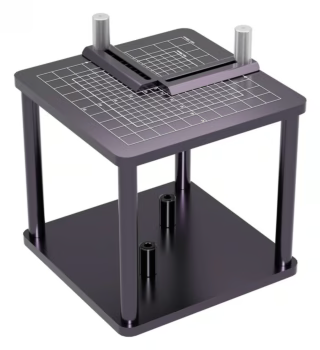
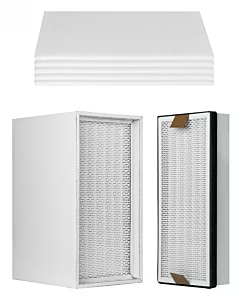
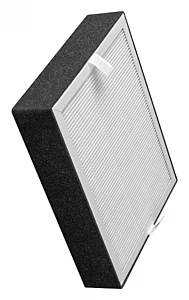
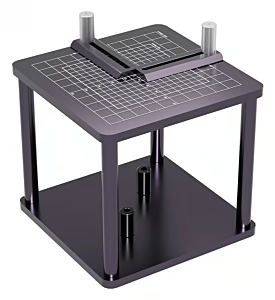
An extensive range of accessories complements the laser engravers: rotary modules for cylindrical objects such as bottles and glasses, honeycomb beds for clean cuts without back reflection, air assist systems for cleaner cutting edges, as well as spare lenses, safety glasses, and filter elements. With the right accessories, you can expand the capabilities of your device and achieve professional results on a wide variety of materials.
| Subcategory | Example Products |
|---|---|
| Laser Engravers | xTool D1 Pro 20W, LaserPecker 4 |
| Laser Engraver Accessories | xTool RA2 Pro Rotary Module, Ortur Honeycomb Laser Bed |
| Brand | Known For | Ideal For | Price Segment |
|---|---|---|---|
| xTool | Diode & CO2 lasers, comprehensive ecosystem | Beginners to professional users | Mid-range – Premium |
| Ortur | Diode laser engravers with solid build | Beginners looking for a reliable start | Entry-level – Mid-range |
| LaserPecker | Compact, portable laser engravers | Mobile users & creative projects | Mid-range – Premium |
| TwoTrees | Diode lasers with solid performance | DIY beginners | Entry-level |
| Creality | 3D printing & laser engraving combo devices | All-rounder users who combine both | Entry-level – Mid-range |
| Atomstack | Powerful diode lasers with high wattage | Advanced users who cut thicker materials | Mid-range |
| Sculpfun | Precise diode lasers with fine focusing | Detail-oriented crafters & engraving fans | Entry-level – Mid-range |
| NEJE | Compact desktop engravers and laser modules | Occasional users & small projects | Entry-level – Mid-range |
This category is ideal for DIYers, crafting enthusiasts, small business owners, and creatives in Switzerland who are looking for a laser engraver for personalized gifts, workshop projects, or getting started with laser engraving. Advanced users who want to expand their setup with more powerful devices and specialized accessories will also find a well-thought-out selection here.
When buying a laser engraver, the optical output power, the work area, compatibility with common software such as LightBurn, and the available safety equipment are crucial. Pay attention to a stable frame construction, reliable safety circuits, and the appropriate laser class to ensure that the device remains safe and durable in use.
Please complete your information below to login.
Sign In
Create New Account