Internal and external drives, SSDs, HDDs, NVMe storage and optical drives – for PC, gaming, professional workstations and reliable backup solutions.
In this category you will find a wide selection of drives: from ultra-fast NVMe SSDs and classic SATA SSDs and HDDs to external storage solutions and optical drives. Brands such as Samsung, Western Digital, Seagate, Crucial and ASUS cover every performance profile – from simple PC upgrades to demanding gaming builds and professional NAS and backup systems. There is also suitable drive accessories such as enclosures, adapters and cables, with fast delivery throughout Switzerland and the Principality of Liechtenstein.
Buy drives online – SSDs, HDDs & optical drives
Whether you are looking for a new internal SSD for a PC upgrade, need reliable mass storage for backups or want to order an external optical drive for your notebook: the selection includes current models in all common form factors, storage capacities and price ranges. From entry-level SSDs to high-end NVMe drives with PCIe 4.0, you will find the right storage solution for private users, gamers, content creators and IT professionals.
Internal vs. external drives
Internal drives are permanently installed in the PC or laptop and offer maximum speed with minimal latency – ideal as a system drive, for large game collections or as productive working storage. External drives score with flexibility: connected via USB, they are ideal for mobile data backups, fast data exchange between different devices or as expanded storage for notebooks and mini-PCs without additional drive bays.
NVMe, SATA & more – interfaces and form factors
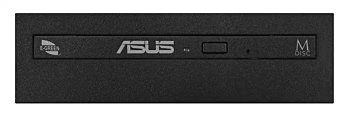
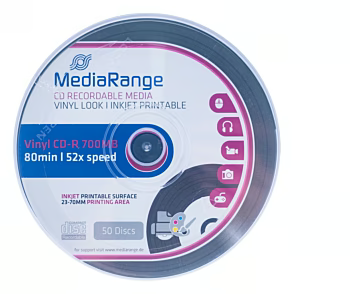
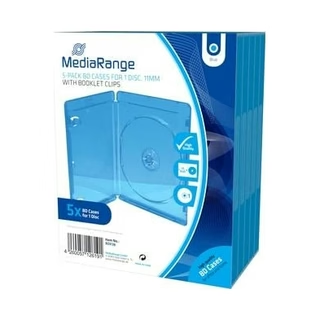
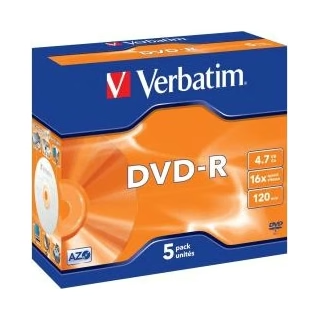
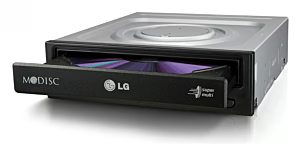
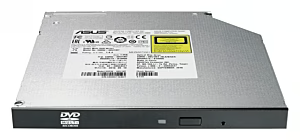
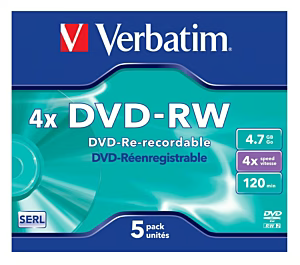
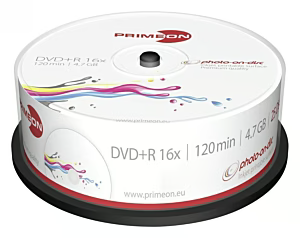
Modern drives use different interfaces: NVMe SSDs with M.2 form factor achieve extreme read and write speeds via PCIe and are particularly suitable for gaming, video editing and data-intensive applications. SATA SSDs in 2.5-inch format impress as a cost-effective upgrade solution with solid performance, while classic HDDs remain the first choice for large-volume archive storage and network storage (NAS). Optical drives complete the range for anyone who wants to read and burn CDs, DVDs or Blu-rays.
The category is ideal for gamers who want to upgrade their PC with a fast NVMe SSD, for content creators and IT professionals who need reliable storage solutions for large amounts of data, as well as for anyone looking for a simple laptop storage upgrade or an external drive for backups. Even those who still use CDs, DVDs or Blu-rays will find high-quality optical drives and matching accessories here.
Quality, safety & product selection
When buying drives, it is worth paying attention to reliable brands with long warranty, a suitable interface and sufficient TBW values (Total Bytes Written) for SSDs. Renowned brands like Samsung, Western Digital and Crucial stand for tested quality and data security, so that your data remains reliably stored in the long term.
Frequently Asked Questions
What is the difference between SSD and HDD?▾
SSDs (Solid State Drives) store data on flash memory chips and work without moving parts, making them significantly faster, quieter and more robust than classic HDDs with rotating magnetic platters. HDDs, on the other hand, often offer more storage capacity at a lower price per gigabyte and are well suited for mass storage and backups.
Which type of drive is suitable for gaming?▾
For gaming, a fast NVMe SSD with a PCIe interface is recommended, as it enables short loading times and smooth performance in modern games. Alternatively, a SATA SSD can serve as an option, while an additional HDD is sufficient as pure data storage for less frequently played games.
What do form factors like 2.5 inch and M.2 mean?▾
The form factor describes the physical design and connection type of a drive. 2.5-inch drives are connected via SATA cables and fit into most laptops and desktop PCs. M.2 drives are compact cards that plug directly into the motherboard and communicate either via SATA or the faster NVMe protocol (PCIe).
How do I connect an external drive?▾
External drives can usually be easily connected to the computer via a USB cable (USB-C or USB-A) and are recognized automatically. Many models are plug-and-play capable, so no additional driver installation is necessary. Pay attention to a compatible USB interface to achieve the maximum transfer speed.
How much storage space should a drive have?▾
The ideal storage capacity depends on the intended use. For the operating system and frequently used programs, 500 GB to 1 TB of SSD storage is usually sufficient. For gaming PCs, 1–2 TB of NVMe storage is recommended. Anyone archiving many photos, videos or backups should opt for an HDD with 2–8 TB or more.
Are internal drives easy to install?▾
Installing an internal drive is quite feasible with a basic technical understanding. 2.5-inch SSDs and HDDs only require a free drive bay as well as a SATA cable and a power cable. M.2 SSDs are inserted directly into the M.2 slot on the motherboard and secured with a small screw. An anti-static working environment and careful handling are recommended.
Which drive is suitable as a backup solution?▾
For reliable backups, external HDDs with high capacity are a proven and cost-effective choice, especially for regular system backups and large amounts of data. External SSDs additionally offer speed and shock resistance and are ideal when backups are made on the go or updated frequently. NAS systems with multiple drives provide a professional solution with RAID support.
What should I look for when buying an optical drive?▾
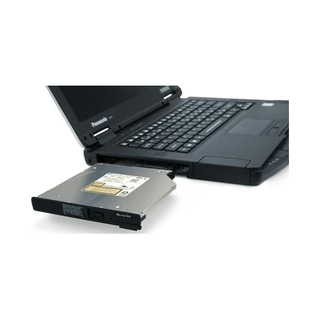
Pay attention to the supported media format: DVD burners read and write CDs and DVDs, while Blu-ray drives can also process Blu-ray discs. Also important are the form factor (internal or external), the appropriate connection (SATA internal, USB external) and the write and read speed. For modern cases without a 5.25-inch bay, external optical drives are the flexible solution.
Subscribe to the newsletter
New arrivals, promotions and exclusive offers — straight to your inbox.






Please complete your information below to login.
Sign In
Create New Account