
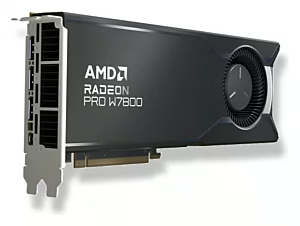

Graphics cards
PC graphics cards, external graphics adapters and accessories for gaming, creative workstations and system upgrades – with fast delivery to Switzerland and Liechtenstein.
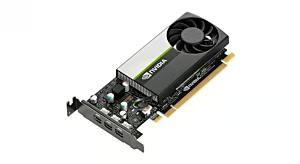
In this category you will find powerful PC graphics cards, external graphics adapters (eGPUs) and practical accessories for gaming PCs, creative workstations and compact notebook setups. The range includes current NVIDIA GeForce and AMD Radeon models from brands such as ASUS, MSI, Gigabyte, ZOTAC, Sapphire, EVGA, PNY and PowerColor – one of the largest selections of graphics cards online in Switzerland. Whether you are looking for a new GPU for 4K gaming, smooth video rendering or a quiet ITX build: you will find it here, with fast delivery throughout Switzerland and the Principality of Liechtenstein.
Whether you want to buy a graphics card online, upgrade your existing system or build a completely new gaming PC: the selection covers entry-level models for esports titles, powerful mid-range GPUs for 1440p gaming, and high-end accelerators for 4K, ray tracing, AI workloads and professional rendering. This allows gamers, content creators and system integrators to quickly find the right graphics card for their requirements – conveniently from home.
For beginners and esports fans in 1080p, entry-level cards like the RTX 4060 or RX 7600 are suitable. Those who want to play in 1440p with high details should choose models like the RTX 4070 or RX 7800 XT. For 4K gaming, VR and creative work, cards like the RTX 4080/4090 or RX 7900 XTX are the first choice. Compact ITX builds and notebooks benefit from short graphics cards or external eGPU enclosures that can be connected via Thunderbolt.
| Subcategory | Example products |
|---|---|
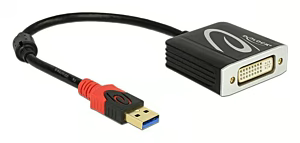
| External Graphics Adapters | Razer Core X Chroma, ASUS ROG XG Station 2 |
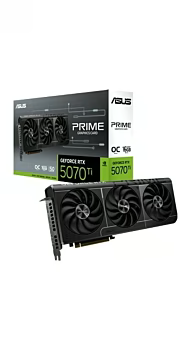
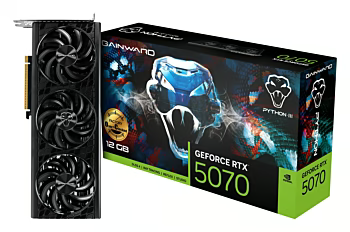
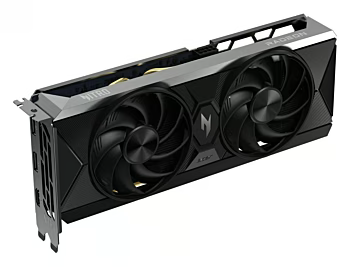
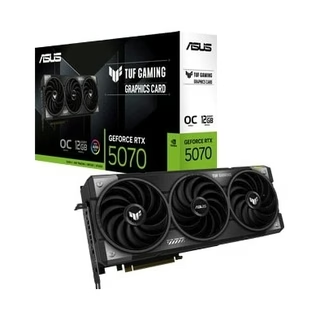
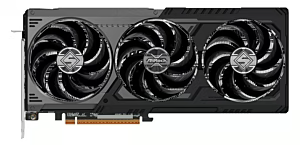
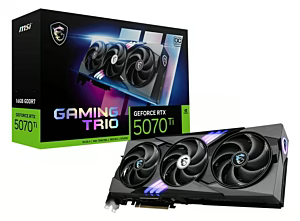
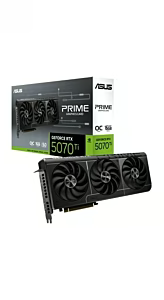
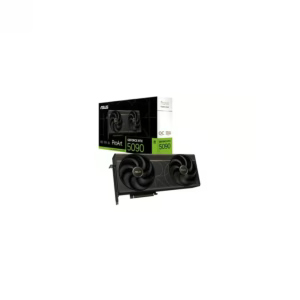
| PC Graphics Cards | ASUS GeForce RTX 4070 TUF Gaming, MSI GeForce RTX 4060 Ventus 2X |
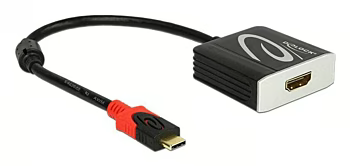
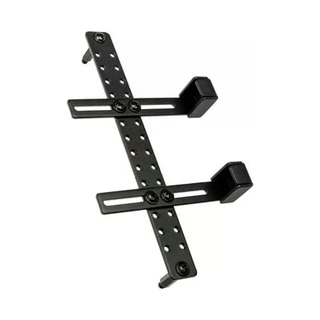
| Other Graphics Card Accessories | Cooler Master Vertical GPU Bracket Kit V3, Corsair 12VHPWR Adapter Cable |
| Brand | Known for | Ideal for | Price segment |
|---|---|---|---|
| ASUS | High-quality gaming and workstation cards | Gamers and creative professionals | Mid-range – Premium |
| MSI | Gaming graphics cards with strong cooling solutions | Gaming enthusiasts | Mid-range – Premium |
| Gigabyte | Solid all-round graphics cards, broad portfolio | Gamers and system builders looking for a balanced option | Entry-level – Mid-range |
| ZOTAC | Compact Mini and Twin Edge models | Small form factor builds, ITX systems | Mid-range – Premium |
| Sapphire | AMD Radeon cards (Pulse, Nitro+) | AMD fans, performance optimizers | Entry-level – Mid-range |
| EVGA | Former NVIDIA partner, excellent support | NVIDIA loyalists, overclockers | Mid-range – Premium |
| PNY | Professional Quadro and consumer cards | Workstation users, system integrators | Mid-range – Premium |
| PowerColor | AMD Radeon (Red Devil, Hellhound) | AMD enthusiasts, overclockers | Entry-level – Mid-range |
This category is ideal for gamers, content creators, CAD professionals and system builders in Switzerland who are looking for a new graphics card for gaming, video editing, 3D rendering or AI applications. Notebook owners with a Thunderbolt connection who want to upgrade their system with an external graphics adapter, as well as anyone who needs practical GPU accessories such as brackets and power adapters, will also find what they need here.
When buying a graphics card, it is worth paying attention to the manufacturer's warranty, efficient cooling solutions and certified power connectors. A good GPU should match the existing power supply, case and monitor setup so that it runs safely and reliably.
Please complete your information below to login.
Sign In
Create New Account