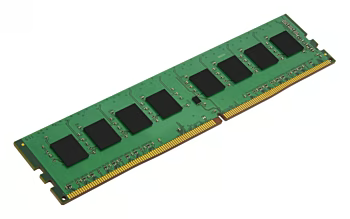
In this category you will find RAM memory for desktop PCs, laptops, workstations and servers – from tried-and-tested DDR4 modules to the latest DDR5 sticks. Whether you are looking for memory for a gaming system, a quiet office setup or professional rendering equipment: brands such as Corsair, G.Skill, Kingston, Crucial and Samsung offer a wide selection of suitable RAM kits – with fast delivery to all of Switzerland and Liechtenstein.
Buy RAM online – for gaming, office and workstation
Whether you want to upgrade a new gaming PC, speed up an older laptop or equip a stable server – you will find the right RAM here. DDR5 offers high bandwidth for modern games and applications, while DDR4 remains a proven, cost-effective solution for many systems. Special SO-DIMM modules for notebooks and memory for Apple systems are also available.
RAM modules compared: DDR4 vs. DDR5, SO-DIMM and more
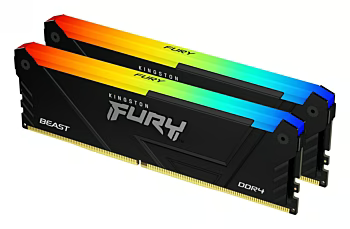
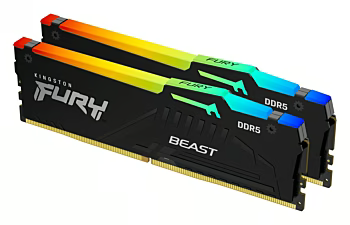
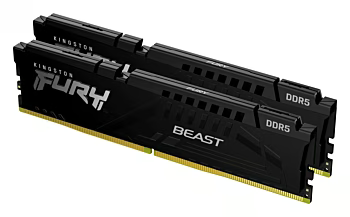
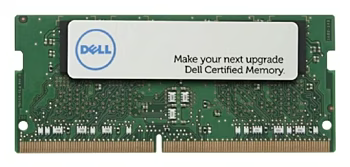
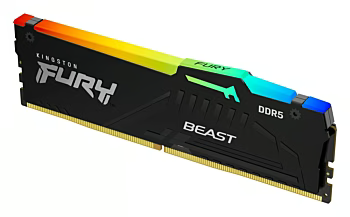
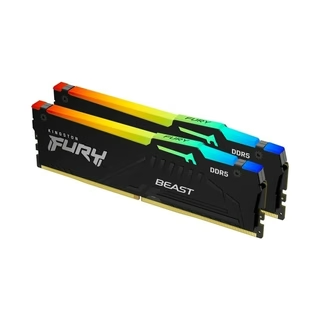
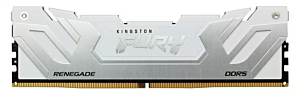
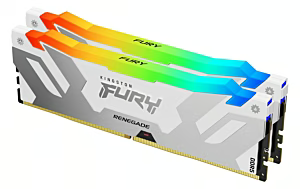
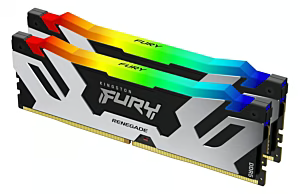
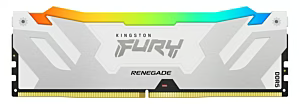
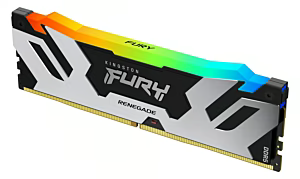
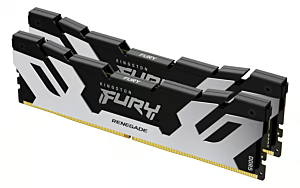
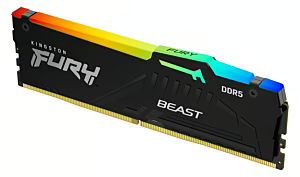
When buying, pay attention to the correct form factor: DIMM sticks for desktop motherboards, SO-DIMM for laptops and mini PCs. Clock speed (MHz), latencies (CL) and the presence of heat spreaders or RGB lighting also play a role. Special high-end kits are available for overclocking and enthusiasts, while professional users can rely on ECC memory for maximum data integrity.
This category is aimed at gamers, PC builders, IT professionals, system integrators and anyone who wants to upgrade their computer with more RAM. Whether you are a beginner or an experienced enthusiast – the selection ranges from standard sticks to overclockable high-performance modules.
Quality, Safety & Product Selection
Compatibility and reliability are crucial for RAM. High-quality brands rely on selected chips, rigorous testing and long warranty periods. Pay attention to the specifications of your motherboard and processor and, ideally, choose RAM kits that are listed by the manufacturer to ensure trouble-free operation.
Frequently Asked Questions
What types of RAM are there and how do they differ?▾
RAM is primarily distinguished by type (DDR3, DDR4, DDR5), speed (MHz), capacity and form factor (DIMM for desktop, SO-DIMM for laptops). The right choice depends on the motherboard and the intended use.
How do I find the right RAM for my PC or laptop?▾
The easiest way is to use a compatibility tool like the Crucial System Scanner or the motherboard manufacturer's specifications. Pay attention to the supported RAM type (DDR4/DDR5), the maximum clock speed, and the maximum capacity per slot.
What RAM size do I need for gaming, office work or video editing?▾
For office and everyday applications, 8–16 GB is usually sufficient. For gaming, 16–32 GB is recommended. For video editing or demanding workstations, 32 GB or more may be necessary.
Is DDR4 or DDR5 better for my computer?▾
DDR5 offers higher clock speeds and more bandwidth but is only compatible with newer motherboards and CPUs. DDR4 remains very powerful. The decision depends on your system and budget.
How can I check RAM compatibility with my motherboard?▾
Check the socket and chipset of the motherboard, the supported DDR generation, the maximum clock speed, and specifications such as ECC or non-ECC. You can often find QVL (Qualified Vendor List) lists on the manufacturer's website.
Can I combine RAM modules from different brands or speeds?▾
It is possible, but not recommended. Different sticks can lead to instability or only run at the slowest speed of all modules. For optimal performance, identical kits should be used.
What should I keep in mind when installing new RAM?▾
Before installation, disconnect the PC from the power supply, ground yourself, and observe the slots and the orientation of the modules. After installation, check the BIOS and, if necessary, activate XMP/DOCP to achieve the full speed.
What are the advantages of heat spreaders and RGB lighting on RAM sticks?▾
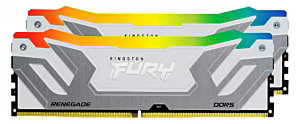
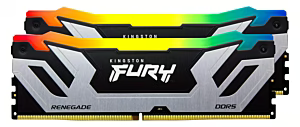
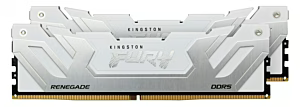
Heat spreaders improve heat dissipation, which is particularly helpful at high clock speeds or when overclocking. RGB lighting serves aesthetics and can be synchronised with other components, but has no impact on performance.
Subscribe to the newsletter
New arrivals, promotions and exclusive offers — straight to your inbox.


Please complete your information below to login.
Sign In
Create New Account