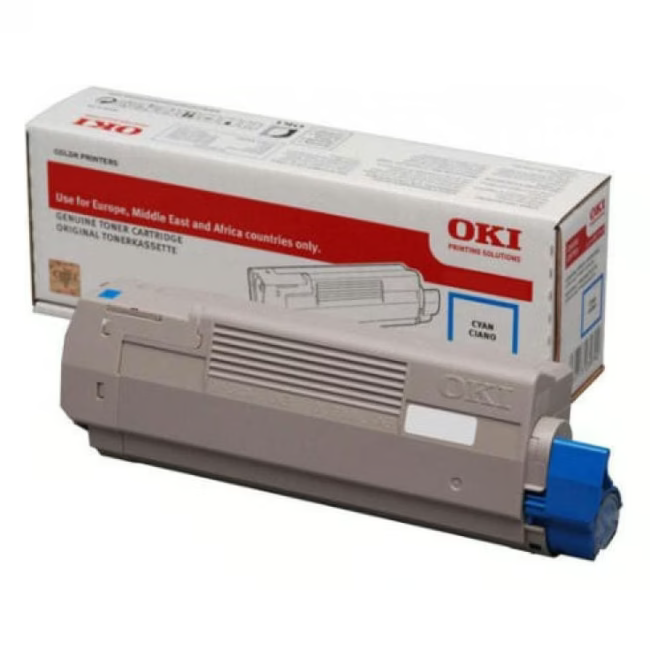
OKI Toner 46490403 – Original Cyan Toner for Crisp Prints
The OKI Toner 46490403 is an original cyan toner specifically developed for OKI LED printers. With a high print yield of 1,500 pages, it ensures reliable and consistent print quality in daily office use.
Original OKI toner guarantees optimal compatibility and print results
Cyan colour for vibrant and precise colour prints
Prints up to 1,500 pages – ideal for high print volumes in the office
Easy and clean replacement thanks to patented design
What sets the OKI Toner 46490403 apart
As an original OKI consumable, this toner offers perfect alignment with LED printing technology. The result is crisp text and brilliant colours in every application. Unlike compatible products, the original ensures consistent quality and protects the printer from damage.
Ideal for...
This toner is ideal for offices, home offices, and printing environments that rely on reliable and professional colour prints. Whether for internal documents or customer-facing presentations – the toner consistently delivers convincing results.
How to use the OKI Toner 46490403
Open the front cover of your OKI LED printer, remove the protective cartridge, and insert the new toner until it clicks into place. Close the cover and perform a test print. Installation takes only a few minutes and requires no technical expertise.
OKI is a Japanese manufacturer of printing solutions with a focus on LED printing technology. Founded in 1881, the company offers professional printers and consumables for office and industry, known for reliability and low operating costs.
The OKI Toner 46490403 is an original cyan toner designed for use in compatible OKI LED printers. It prints up to 1,500 pages and delivers crisp prints.
The toner is suitable for various OKI LED printers, particularly the C800 and C900 series. Please check the compatibility list on the OKI website.
The print yield is up to 1,500 pages at 5% coverage.
It is an original OKI product, guaranteeing the highest quality and compatibility.
Installation is simple: open the front cover of the printer, remove the protective cartridge, and insert the new toner until it clicks into place. Close the cover and perform a test print.
Subscribe to the newsletter
New arrivals, promotions and exclusive offers — straight to your inbox.




Please complete your information below to login.
Sign In
Create New Account