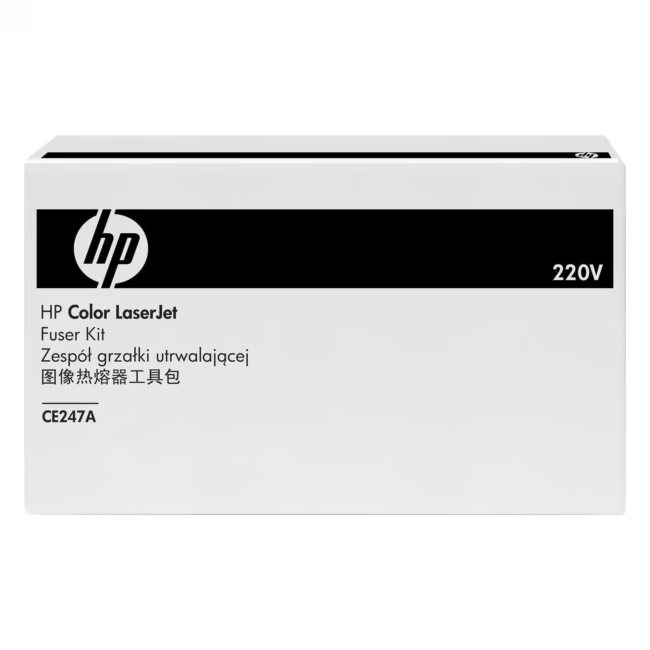
HP Fuser Unit CE247A – Original part for reliable printing
The HP Fuser Unit CE247A is an original wear part for HP laser printers. It permanently fuses toner onto the paper using heat and pressure, ensuring consistent print quality and long service life.
Original HP Fuser Unit – for reliable print quality and long life
High page capacity of 150,000 pages – reduces replacement intervals and lowers operating costs
Easy replacement by on-site service or DIY – saves time and service costs
As an original HP part, the fuser unit is precisely matched to the requirements of the printer models for which it was developed. The 150,000-page capacity enables long-lasting use and reduces the need for frequent replacements. Moreover, installation is straightforward and can often be performed without specialized personnel.
Ideal for...
The HP Fuser Unit CE247A is especially suitable for businesses and home users who operate an HP laser printer with high print volumes and value consistent print results. It is the right choice when reliable toner fusing on paper is required – for professional documents and prints.
How to use the HP Fuser Unit CE247A
Replacing the fuser unit takes a few steps: Turn off the printer and unplug it from the mains. Open the corresponding cover, remove the old unit, and insert the new HP Fuser Unit CE247A. Make sure it clicks into place properly. Close the cover and turn the printer back on. The printer automatically detects the new fuser unit. Detailed instructions can be found in your printer's user manual.
The HP Fuser Unit CE247A is an original wear part for HP laser printers. It permanently fuses toner onto the paper using heat and pressure.
The CE247A fuser unit is designed for select HP laser printer models. A full compatibility list is available on the HP support website.
The fuser unit has a capacity of approximately 150,000 pages, depending on print volume and environmental conditions.
Replacement involves opening the printer cover, removing the old fuser unit, and installing the new one. The printer automatically recognizes it. Step-by-step instructions are provided in the user manual.
HP offers a 24-month manufacturer's warranty from the date of purchase.
Subscribe to the newsletter
New arrivals, promotions and exclusive offers — straight to your inbox.




Please complete your information below to login.
Sign In
Create New Account