Brother Transparent Label Roll – Versatile and Durable
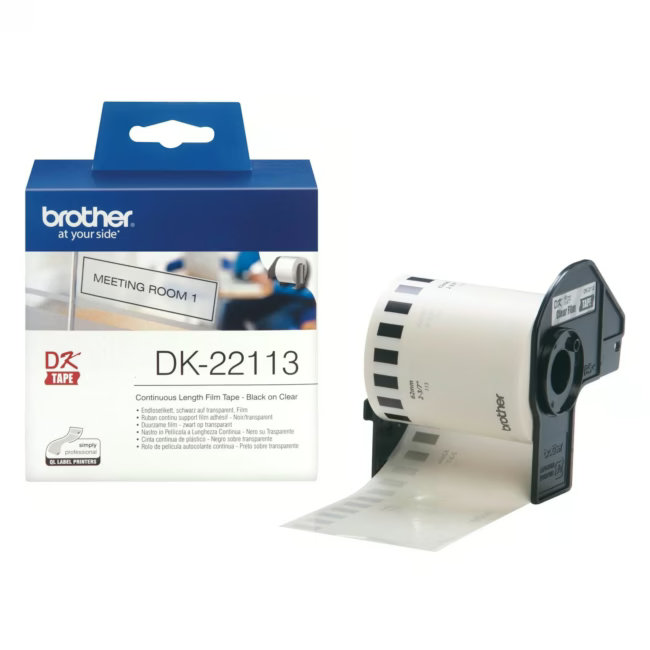
The Brother transparent film label roll is a consumable for Brother label printers. The continuous format allows the length of each label to be set individually.
Continuous format for flexible label lengths without waste
Transparent film for discreet, professional labeling
Self-adhesive back for easy and quick application
Thermal transfer technology for long-lasting, smudge-resistant prints
Compatible with Brother label printers that accept 62 mm wide rolls
What sets the Brother label roll apart
The combination of transparent material and precise thermal transfer technology ensures crisp, durable labels. The self-adhesive roll sticks to many smooth surfaces and can be removed without residue. Brother stands for high print quality and reliability.
Ideal for office, warehouse, and organization
This label roll is particularly suitable for users in offices, warehouses, and workshops who value clean and uniform labeling. It is also practical for labeling binders, shelves, cables, and containers.
How to use the label roll
Insert the roll into your Brother label printer, ensuring the correct orientation. Select the desired label length in the printer driver or on the device itself. After printing, detach the label from the backing film and apply it to the desired surface.
Brother is a Japanese manufacturer of printers, multifunction devices, and label printers. The company is known for reliable and durable products for office and industry.
It is a transparent film label roll for Brother label printers. It is continuous, self-adhesive, with a width of 62 mm and a length of 15.24 m.
The roll is compatible with Brother label printers that accept 62 mm wide rolls and use thermal transfer printing. Suitable models include the DK series.
The roll is 62 mm wide and 15.24 m long. The continuous format allows the label length to be adjusted individually.
The labels are printed using thermal transfer technology. This ensures durable, scratch-resistant prints.
Place the roll in the designated slot of your Brother label printer. Ensure correct alignment of the film. The printer automatically detects the roll and adjusts the print settings.
Subscribe to the newsletter
New arrivals, promotions and exclusive offers — straight to your inbox.




Please complete your information below to login.
Sign In
Create New Account