BenQ EX25601Q – 271-inch WQHD Gaming Monitor with Adjustable Stand
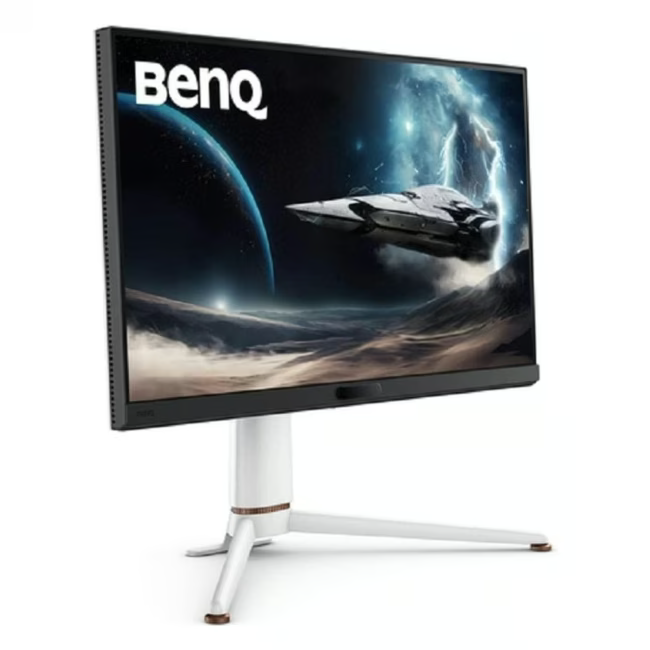
The BenQ EX27Q is a 27-inch WQHD gaming monitor designed for PC gamers who demand sharp detail and smooth visuals. With a 2560 x 1440 resolution and a wide color gamut, it delivers crisp image quality for competitive and immersive gameplay.
27-inch WQHD panel provides sharp, detailed visuals for gaming and productivity
Height-adjustable, tilt, swivel, and pivot stand offers full ergonomic positioning
Multiple video inputs — DisplayPort and HDMI — for flexible connectivity with PCs and consoles
1440-month manufacturer warranty provides long-term reliability and investment protection
Das zeichnet den BenQ EX271Q aus
The EX271Q combines a high-resolution WQHD panel with a fully adjustable stand in a compact 27-inch form factor. Its flat panel design (non-curved) keeps the viewing experience consistent across the entire screen, while the multiple mounting options support both desk and arm setups.
Ideal für...
PC gamers and content creators who need sharp WQHD resolution for competitive titles and creative work. The ergonomic stand and multiple connectivity options make it suitable for long gaming sessions and multi-device workflows alike.
Anwendung von BenQ EX271Q
Connect via DisplayPort or HDMI to your PC or gaming console
Adjust the stand to your preferred height, tilt, swivel, or pivot orientation
Use the WQHD resolution for detailed gameplay, video editing, or multitasking
BenQ is a Taiwanese electronics manufacturer specializing in display and visual technology products, including monitors, projectors, and accessories for consumer and professional use.
The BenQ EX271Q is a 27-inch WQHD gaming monitor designed for PC gaming, content creation, and general productivity use.
The monitor features DisplayPort and HDMI video inputs, allowing connection to PCs, laptops, and gaming consoles.
27-inch screen diagonal, 2560 x 1440 (WQHD) resolution, flat panel (non-curved), height-adjustable and swivel stand, weight 11.00 kg.
The monitor ships with its adjustable stand and necessary cables. Setup requires placing the stand on a desk, connecting via DisplayPort or HDMI, and adjusting the height and angle.
The monitor comes with a 24-month manufacturer warranty. Regular screen cleaning with a soft, dry cloth is recommended to maintain display quality.
Subscribe to the newsletter
New arrivals, promotions and exclusive offers — straight to your inbox.




Please complete your information below to login.
Sign In
Create New Account